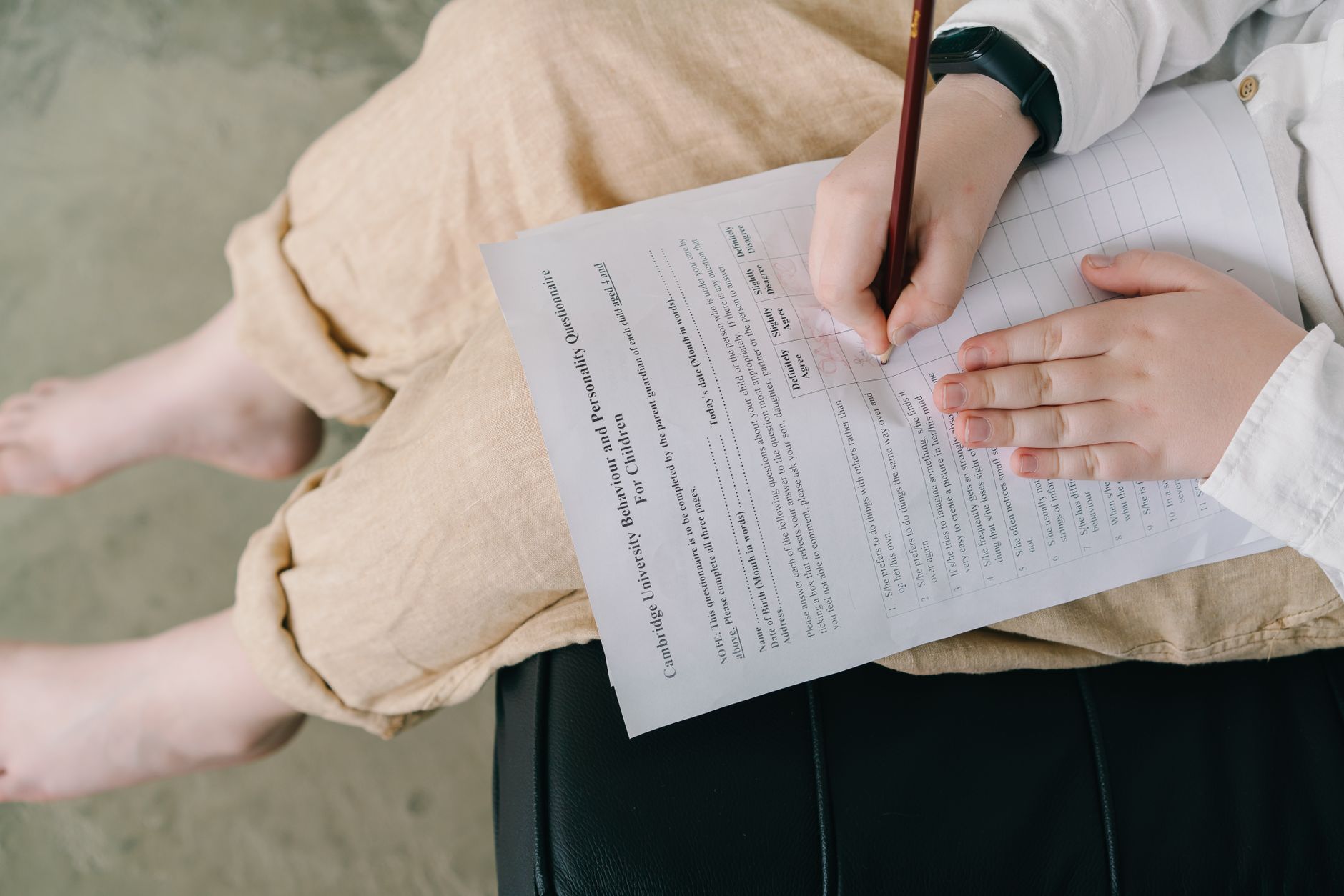
Free AI practice tests for students start with your own notes: upload them, generate questions, then take the quiz without looking. Adobe Acrobat’s quiz maker is free to start with no sign-up or credit card required, builds quizzes from PDF, DOCX, XLSX, PPTX, TXT, and more up to 100MB per file, and lets you edit or regenerate questions.
An AI tool can write a practice test in seconds, but the test only helps if you take it. This article starts with what research says about self-testing, then compares free tools that make quizzes from notes and PDFs, explains how to judge the quality of a generated test, and ends with a simple weekly routine. Details come from each tool’s own pages and from named studies, and vendor claims are marked as such. Plans and limits change, so confirm them before you rely on one. Start with one unit before you generate more.
AI Question Generator Free for Students: What Does the Research Say About Self-Testing?
A question generator saves time, but the benefit comes from answering. Yang and colleagues, in Psychological Bulletin, analyzed 222 studies with 48,478 students and found that classroom testing improved learning by about half a standard deviation. Adesope and colleagues found that practice tests were more beneficial than restudying, and Dunlosky and colleagues rated practice testing high utility. Feedback matters too: Yang’s team found a larger effect with corrective feedback than without it. That is why Adobe’s quiz maker page stresses taking the quiz and seeing what you missed. Use the generator to make the questions, then close your notes, answer from memory, and check the answers.
Best AI Quiz Maker From Notes or PDF: Which Is Free for Students?
Several are, with different limits. The table lists what each tool’s page says about inputs and free access. Adobe’s quiz maker takes PDF, DOCX, XLSX, PPTX, TXT, and more, and its page says you can start with no sign-up. Quizbot’s page lists Word, PDF, and PowerPoint files, up to four at 20MB each, and about 50 free questions a month. AceQuiz’s page lists slides, PDFs, notes, and scans, with no card or sign-up to start. Quiz Maker’s page lists files up to 50MB and photos up to 10MB. Knowt’s free plan covers practice tests on typed notes, according to one review. Pick the tool whose inputs match your files.
|
Tool |
Inputs listed |
Free access listed |
|
Adobe Acrobat quiz maker |
PDF, DOCX, XLSX, PPTX, TXT, and more, up to 100MB each |
No sign-up or credit card to start |
|
Quizbot |
Word, PDF, PowerPoint; four files, 20MB each |
Free account; about 50 questions a month |
|
AceQuiz |
Slides, PDFs, notes, scans |
No card or sign-up to start |
|
Quiz Maker |
PDF, Word, slides, spreadsheet, text up to 50MB; photos up to 10MB |
No account to make or share a quiz |
|
Knowt |
Typed notes of more than 200 words |
Free student plan, per one review |
Best Free AI Practice Test Generator for Study: How Do You Judge Quality?
Judge it on four points. First, source: each question should trace to your material, and Adobe’s page shows citations next to answers. Second, coverage: count questions per unit so no chapter is missed. Third, difficulty: Gemini Notebook offers easy, medium, and hard levels. Fourth, feedback: look for answer explanations, which a student quoted on Adobe’s page describes for both correct and incorrect answers. Then edit. Delete questions that test trivia, fix keys that disagree with your notes, and add your own questions for the hardest ideas. A generated test is a draft, and the checking is part of the studying. Compare two generators on the same chapter if you can.
Free AI Tools to Make Quizzes From Notes for Students: What Is a Good Weekly Routine?
Space the testing. Latimier and colleagues found in a meta-analysis of 29 studies that spaced retrieval beat massed retrieval, and Cepeda and colleagues found that the best gap grows with how long you need to remember. A simple routine: generate a quiz from each lecture’s notes that week, take it after a few days without notes, retake only the missed questions later in the week, and take a mixed quiz on the weekend. Adobe’s quiz maker lets you save and retake quizzes and share them with a study group, which suits that pattern. Keep one quiz per unit so you can review them in order.
Frequently Asked Questions
Should I take a practice test with my notes open?
Try it closed-book first. Answering from memory is the part that builds recall, and checking afterward gives you feedback. If you are stuck on a topic you have never studied, read your notes first, then test yourself later. Mark questions you missed and retake them in a few days. Retest after a few days.
How many questions should a practice test have?
Enough to cover the unit without wearing you out. Ten to twenty questions per unit is a practical range, and one vendor tool offers five to twenty per quiz. Short, frequent quizzes tend to fit a weekly routine better than one very long test the night before an exam. Count the unit’s main topics first.
Can I share a practice test with classmates?
Yes, in some tools. Adobe’s quiz maker page says you can send a quiz to your study group and merge everyone’s notes so questions draw from all of them. Correct the quiz before you share it, remove personal details from files, and agree on which course materials you may share.